How to play CS:GO + ONLINE in 2026
Since the release of CS2, the only way to play CS:GO was through a csgo_legacy branch that can still be found under CS2 Steam's "Properties" -> "Game Versions & Betas" tab. But as of March 3, 2026, Valve released CS:GO as a separate game that is currently hidden from the public Steam Store but is still available through a link. Here is how to get the latest CS:GO version and what is possible to do in-game.
Downloading CS:GO
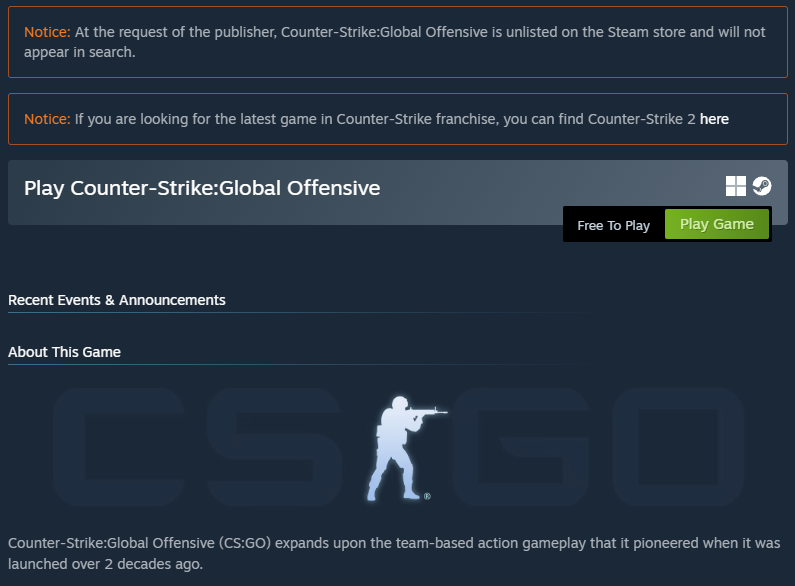
CS:GO is available for download on the Steam Store; the download process works the same way as CS2 or any other Steam game. The only difference is that CS:GO is marked as unlisted on the Steam Store, which means it doesn't appear anywhere when browsing the Steam Store and can only be accessed from the link.
>> CS:GO Steam Store link <<
After downloading, you can simply press Play and launch the game. There is no extra trickery besides the fact that the game is hidden on the Steam Store.
Playing Online (Community Servers)
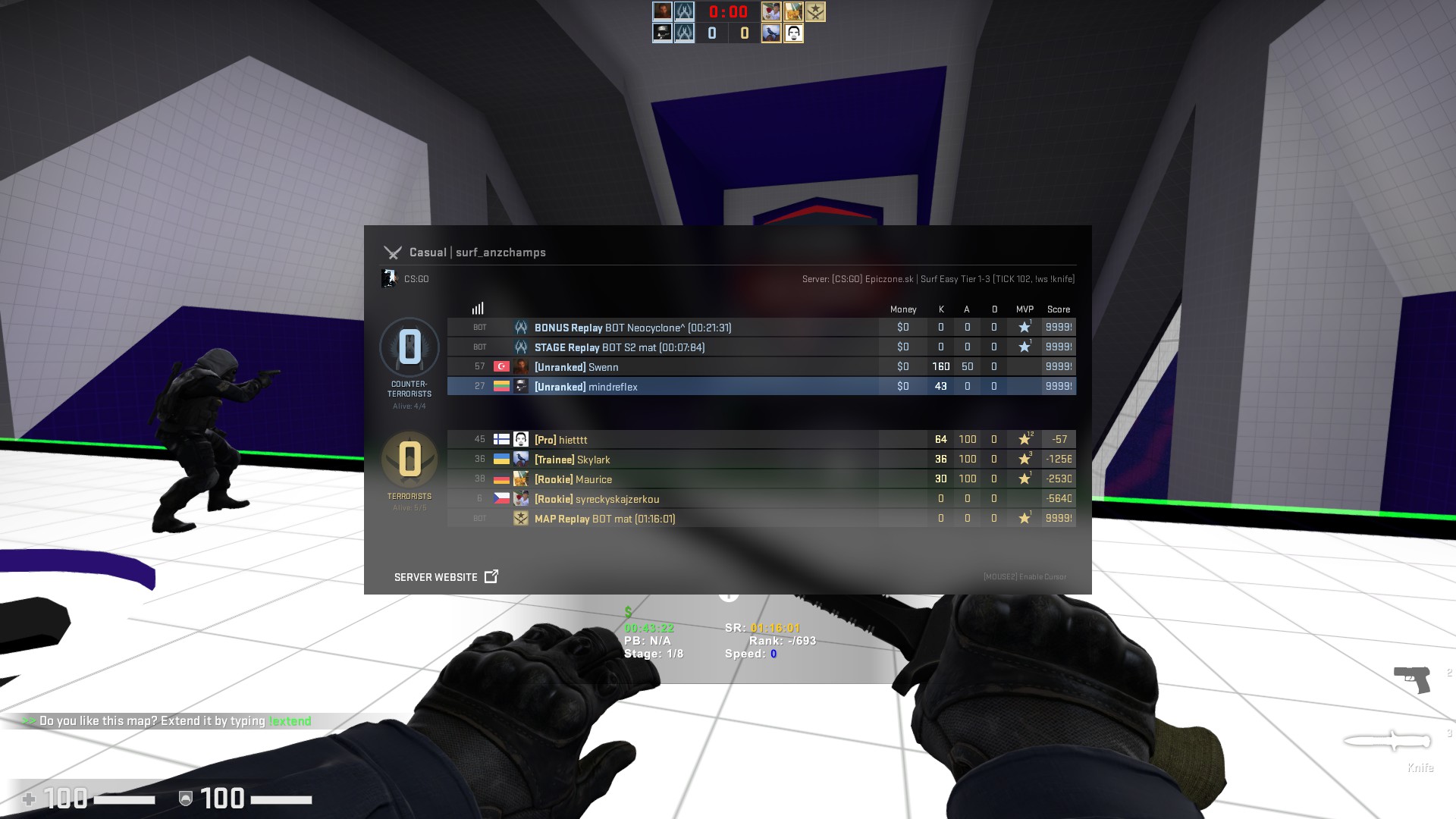
Official servers are not available for play, which means Competitive, Wingman, Casual, Deathmatch, War Games can only be played offline, with Danger Zone being completely grayed out and unavailable for play. The Workshop is unreachable, Steam Game doesn't have a section for Workshop, which means there are no Workshop maps that can be played offline. The in-game community servers browser also doesn't work for browsing servers.
What works:
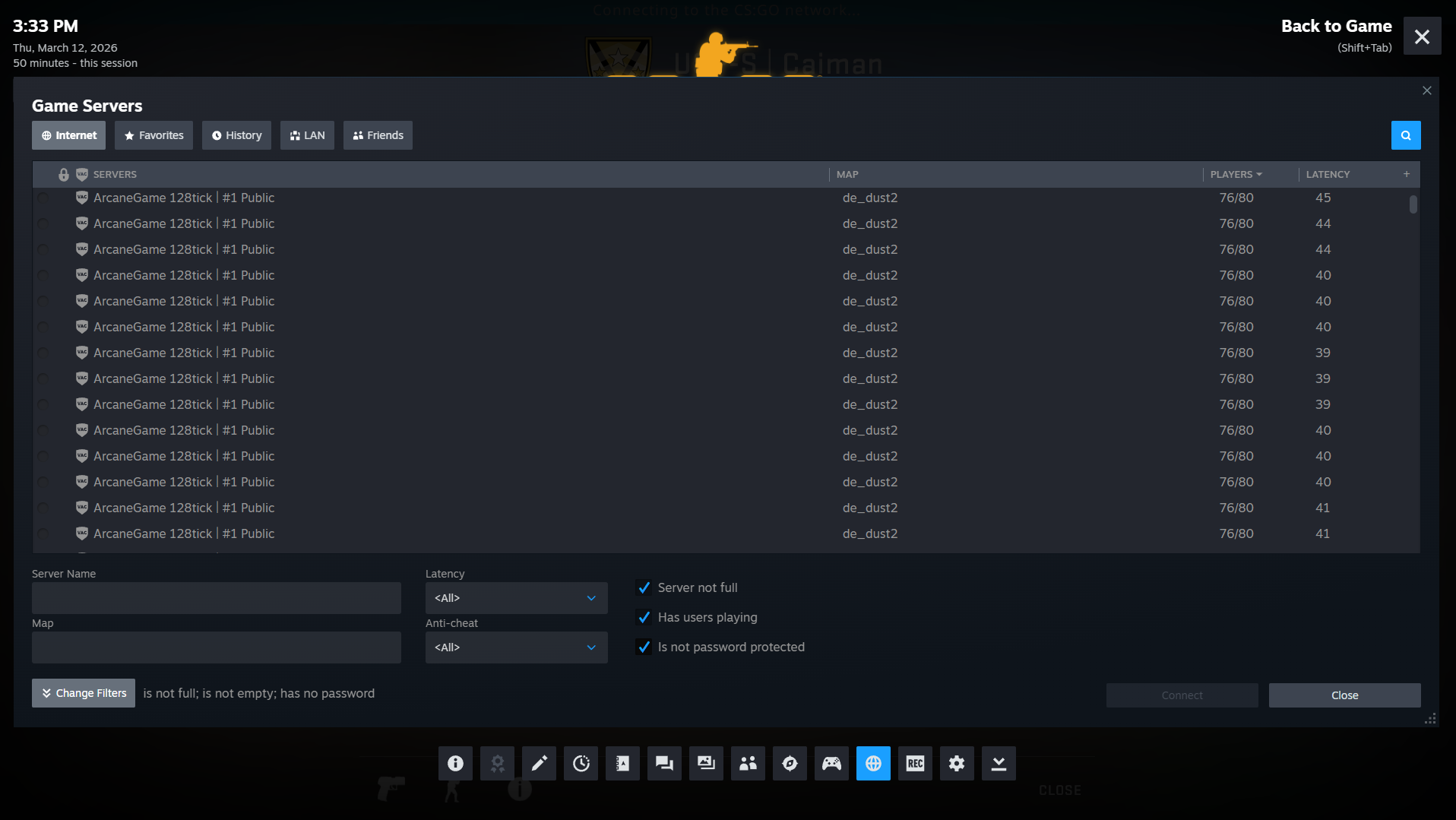
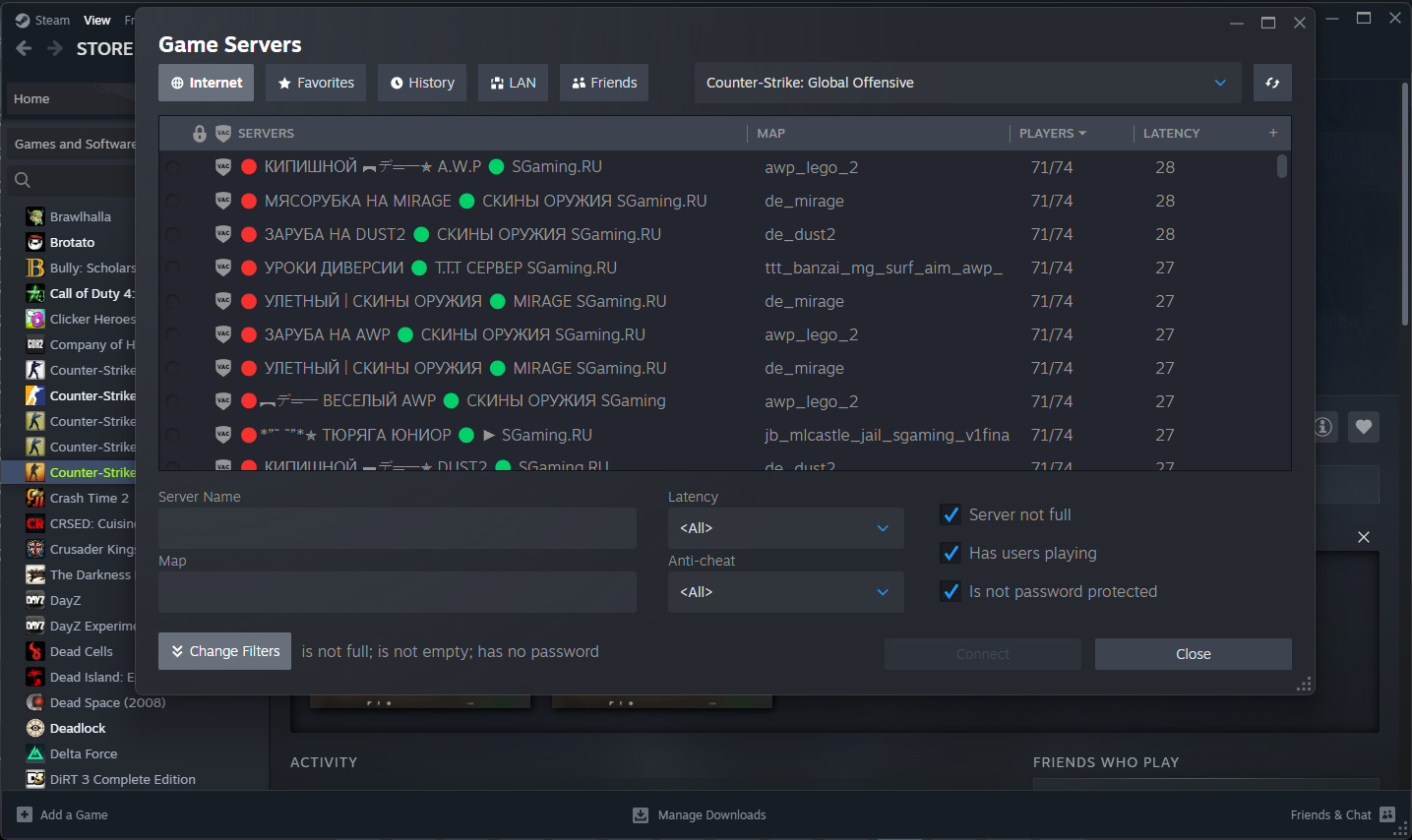
When In-Game, open Steam Overlay, click Game Servers icon at the bottom (4th icon from the right). Click on the magnifying glass icon to search the servers (make sure you are on the "Internet" tab if you want to find new servers).
The default shortcut is Shift+Tab. Make sure that Steam Overlay is enabled in the Steam settings: On the Steam client, click Steam on the top left, Settings, In Game, tick Enable the Steam Overlay while in-game to be on.
An alternative way of opening up the game servers window is through the Steam client. Click View on the top left, select Game Servers. A similar server search window will appear. Select Counter-Strike: Global Offensive in the -- Select game -- dropdown (you need to have CS:GO added to your Steam Library), then click the magnifying glass icon to search for servers.
Besides the above, connecting through console in-game is still available, meaning you can search for servers online, copy the IP, and type "connect" with the IP in the console, and it should connect you to the server.
Setting up 5v5 matches
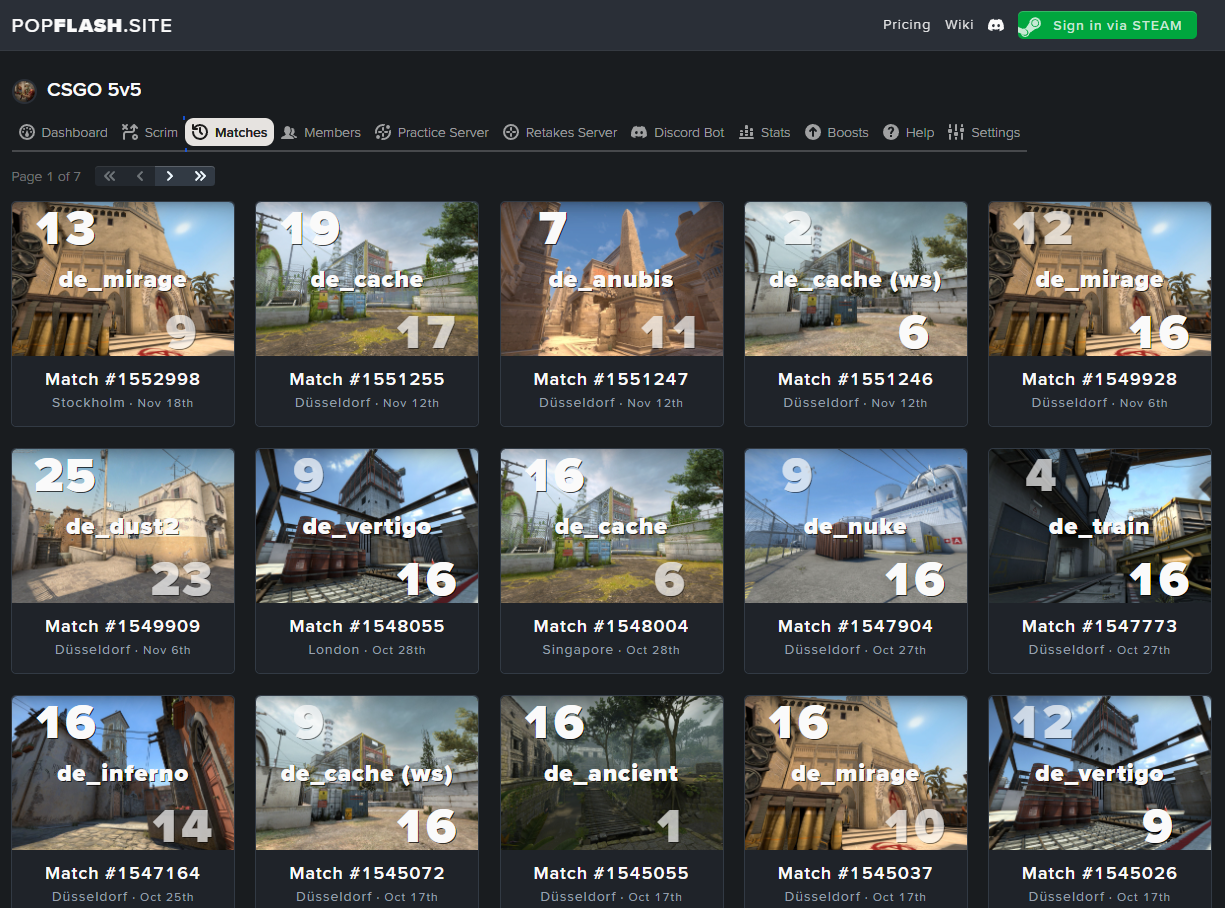
Even though official servers are disabled, there are numerous community projects rising to open up their own servers and provide an option for users to play 5v5, wingman, or similar gamemodes. Websites such as Popflash already support CS:GO, where you can join or host scrim or pug lobbies and play 5v5 ranked-like games. The downside is that most of these websites require a monthly subscription to play on their servers. With enough knowledge, any player can host a server on their own PC and invite friends to play.
Inspecting Skins
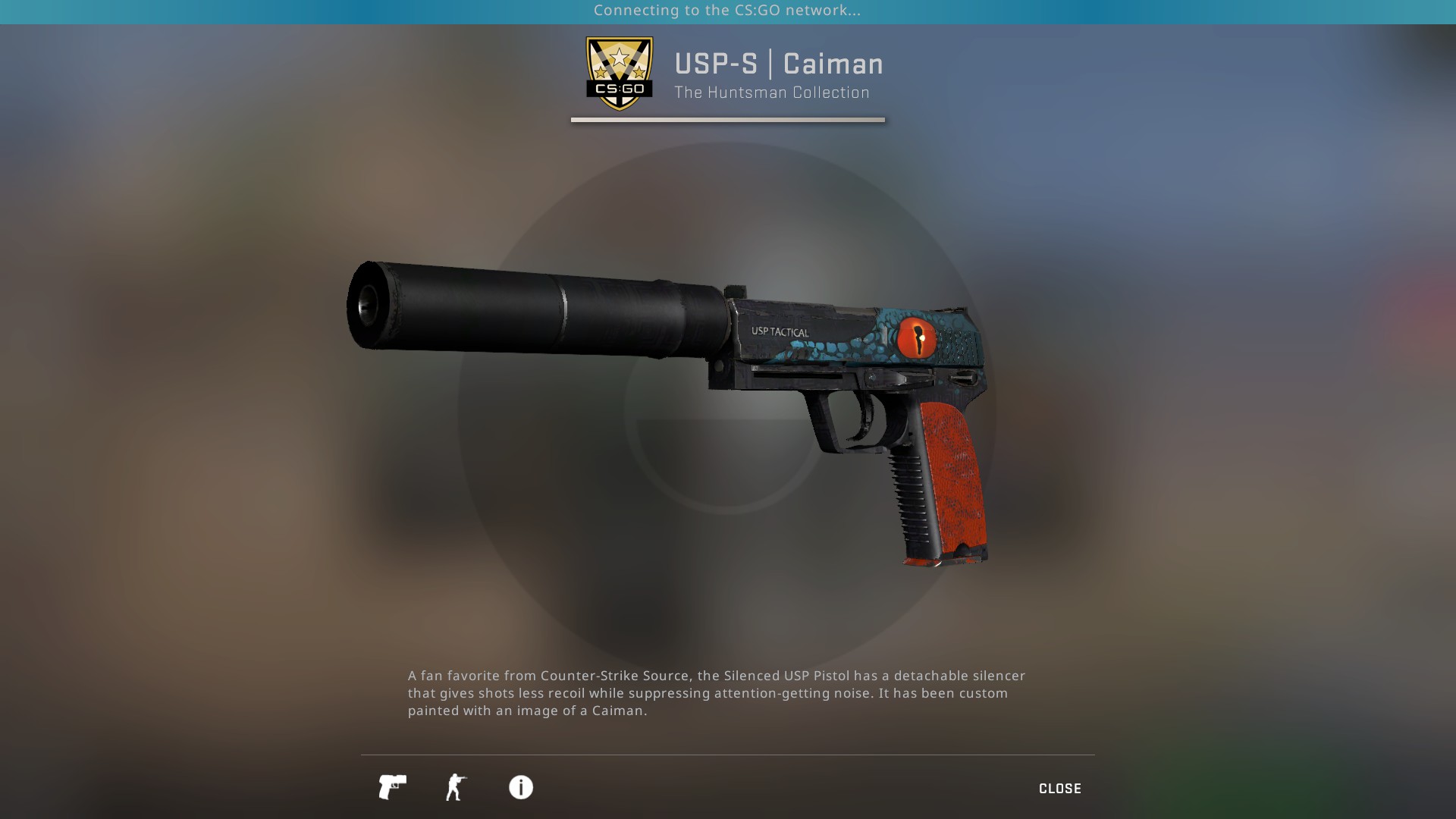
There is no separate inventory for anyone to own skins on CS:GO, and official skins don't exist on CS:GO. But players quickly found out that all pre-CS2 skins can still be inspected and even equipped on custom servers. On a site CSGOInspects, you can input your desired skins inspect links, and it will convert them to CS:GO compatible inspect links, which you can open, and it will show that skin in-game (change the number in the link from 730 to 4465480 to inspect the skin in CS:GO). There are also a few servers dedicated to CS:GO skin inspection.
Current Status of CS:GO
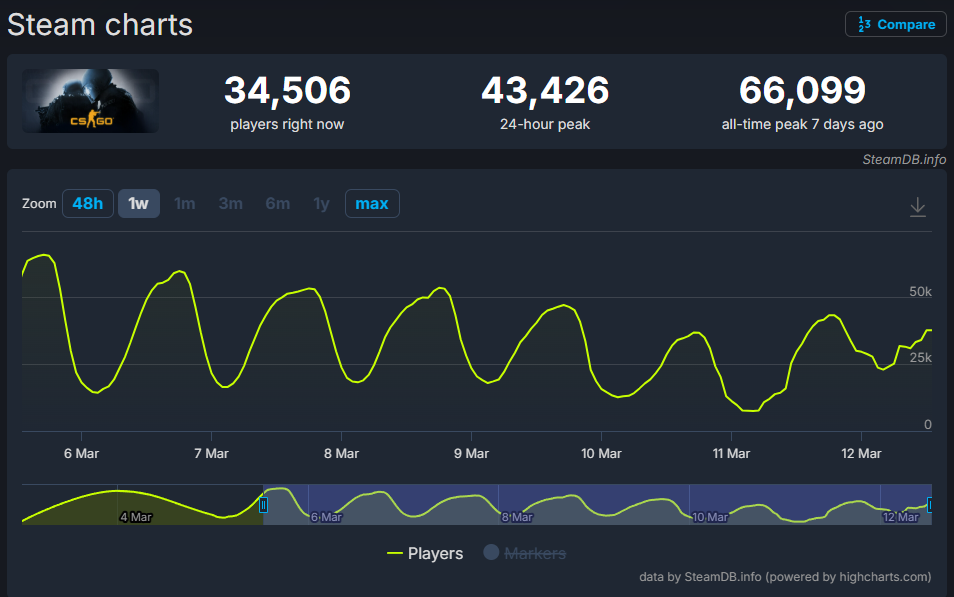
With CS:GO's reintroduction to the Steam Store, it became available to see CS:GO player count. Within the first two days, the game hit 66,099 concurrent players and is now sitting on an average of 34,000 players. This shows that CS:GO is still a desired game, similar to CS Source or CS 1.6, there is still a community that enjoys CS:GO of what it is, whether it is surfing, bhopping, kz, competitive, or casual. CS:GO is still to be enjoyed over a decade after the game's release.